Personal Emergency Transmitter1.5
Publisher Description

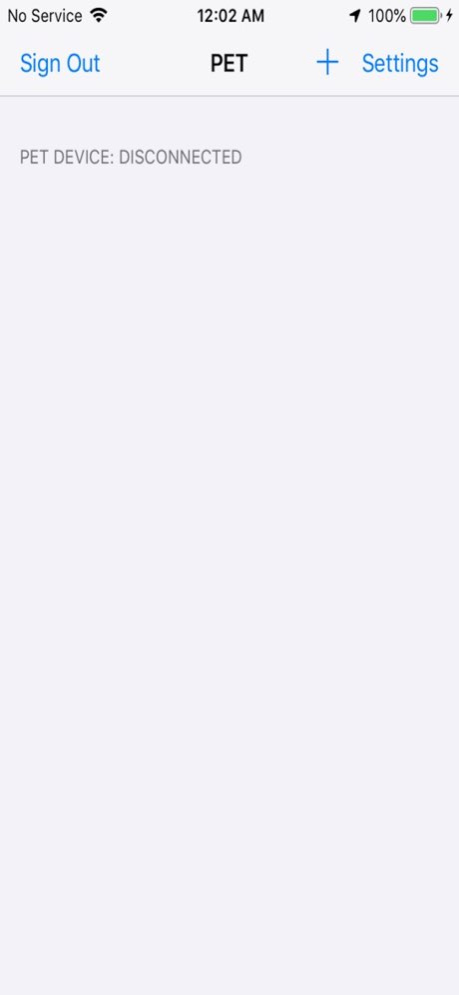


When the user presses the button on their Personal Emergency Transmitter device (made by Select Engineering), the app sends text messages with the user's current location to user-specified contacts.
Version History Fixed bug that was allowing PET device to disconnect and get deleted from the application. Added a confirmation dialog on the delete device button and also modified the emergency notification to use the default notification sound. Removed sign in with Google option. 1.5 09/16/2020 New feature added to allow department administrators to control a users SMS Recipients List. Locations services are now start as soon as the device is connected. This allows the app to receive emergency alerts from the device even if the app has been in the background for a long duration. 1.4 04/10/2020 Add additional information field that will be sent as a follow up text message when an emergency alert is triggered. Also add a name field to the SMS list. 1.3 11/06/2019 Fix Google Maps URL that is sent with the Emergency message. 1.2 08/09/2019 App can now upgrade devices firmware over Bluetooth. Firmware version 1.0.3 is included with this release. 1.1 07/25/2019 1.0 02/22/2019
About Personal Emergency Transmitter
The company that develops Personal Emergency Transmitter is DataSoft Corp. The latest version released by its developer is 1.5.
To install Personal Emergency Transmitter on your iOS device, just click the green Continue To App button above to start the installation process. The app is listed on our website since 2026-08-22 and was downloaded 0 times. We have already checked if the download link is safe, however for your own protection we recommend that you scan the downloaded app with your antivirus. Your antivirus may detect the Personal Emergency Transmitter as malware if the download link is broken.
How to install Personal Emergency Transmitter on your iOS device:
- Click on the Continue To App button on our website. This will redirect you to the App Store.
- Once the Personal Emergency Transmitter is shown in the iTunes listing of your iOS device, you can start its download and installation. Tap on the GET button to the right of the app to start downloading it.
- If you are not logged-in the iOS appstore app, you'll be prompted for your your Apple ID and/or password.
- After Personal Emergency Transmitter is downloaded, you'll see an INSTALL button to the right. Tap on it to start the actual installation of the iOS app.
- Once installation is finished you can tap on the OPEN button to start it. Its icon will also be added to your device home screen.
Program Details
System requirements
Download information
Pricing
Version History
version 1.5
posted on 2026-08-22
Version History Fixed bug that was allowing PET device to disconnect and get deleted from the application. Added a confirmation dialog on the delete device button and also modified the emergency notification to use the default notification sound. Removed sign in with Google option. 1.5 09/16/2020 New feature added to allow department administrators to control a users SMS Recipients List. Locations services are now start as soon as the device is connected. This allows the app to receive emergency alerts from the device even if the app has been in the background for a long duration. 1.4 04/10/2020 Add additional information field that will be sent as a follow up text message when an emergency alert is triggered. Also add a name field to the SMS list. 1.3 11/06/2019 Fix Google Maps URL that is sent with the Emergency message. 1.2 08/09/2019 App can now upgrade devices firmware over Bluetooth. Firmware version 1.0.3 is included with this release. 1.1 07/25/2019 1.0 02/22/2019
version 1.5
posted on 2020-09-16
Fixed bug that was allowing PET device to disconnect and get deleted from the application. Added a confirmation dialog on the delete device button and also modified the emergency notification to use the default notification sound. Removed sign in with Google option.
version 1.5
posted on 2020-09-16
Sep 16, 2020
Version 1.5
Fixed bug that was allowing PET device to disconnect and get deleted from the application. Added a confirmation dialog on the delete device button and also modified the emergency notification to use the default notification sound. Removed sign in with Google option.
